



AirTag and GPS trackers can both help you locate belongings, but they work in different ways. The right choice depends on what you are tracking, where it travels, and how frequently you need location updates.
How AirTag works
AirTag is a Find My network accessory designed for personal objects. It communicates with nearby Apple devices through Bluetooth, and participating devices can securely relay an approximate location to the owner’s Find My app. Supported iPhones can also use Precision Finding at close range.
AirTag does not contain a conventional standalone GPS-and-cellular tracking service. Its usefulness away from you depends on nearby Find My network devices detecting it.
How a GPS tracker works
A typical GPS tracker estimates its position using satellite signals and often sends that position through a cellular connection to an app or web service. That can provide more frequent location updates across wide areas, but it commonly requires charging and a paid service plan. Performance still depends on sky visibility, network coverage, hardware, and the provider.
Quick comparison
| Consideration | AirTag | Typical GPS tracker |
|---|---|---|
| Best suited to | Personal objects and everyday finding | Assets needing active, repeated location updates |
| Location method | Bluetooth and the Find My network | GPS, usually paired with cellular service |
| Ongoing fee | No Find My subscription | Often requires a subscription |
| Power | Replaceable coin-cell battery | Usually rechargeable |
| Remote updates | Depends on nearby network devices | Depends on GPS and cellular coverage |
Which is better for luggage, keys, or a bag?
AirTag is often the simpler choice for everyday belongings, especially for Apple users who want a small accessory with minimal maintenance. A GPS tracker may suit equipment, vehicles, or other approved assets when you need more frequent independent updates and accept the charging and subscription tradeoffs.
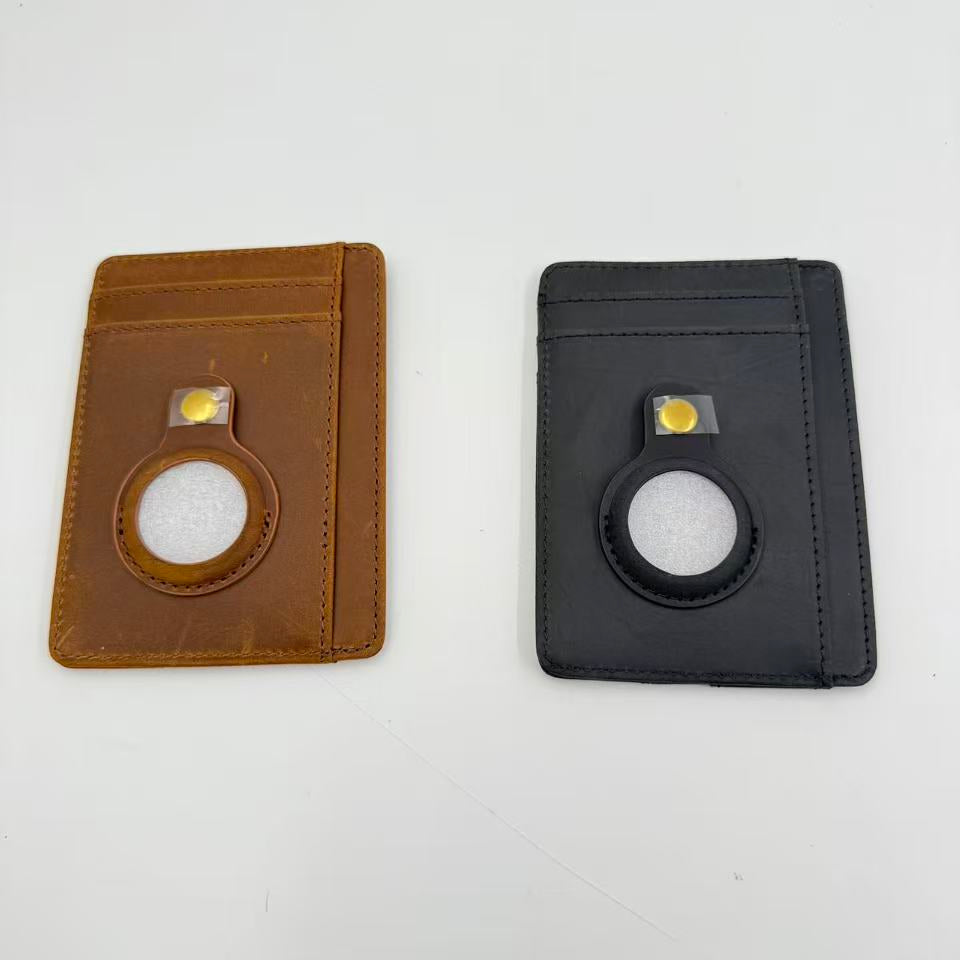
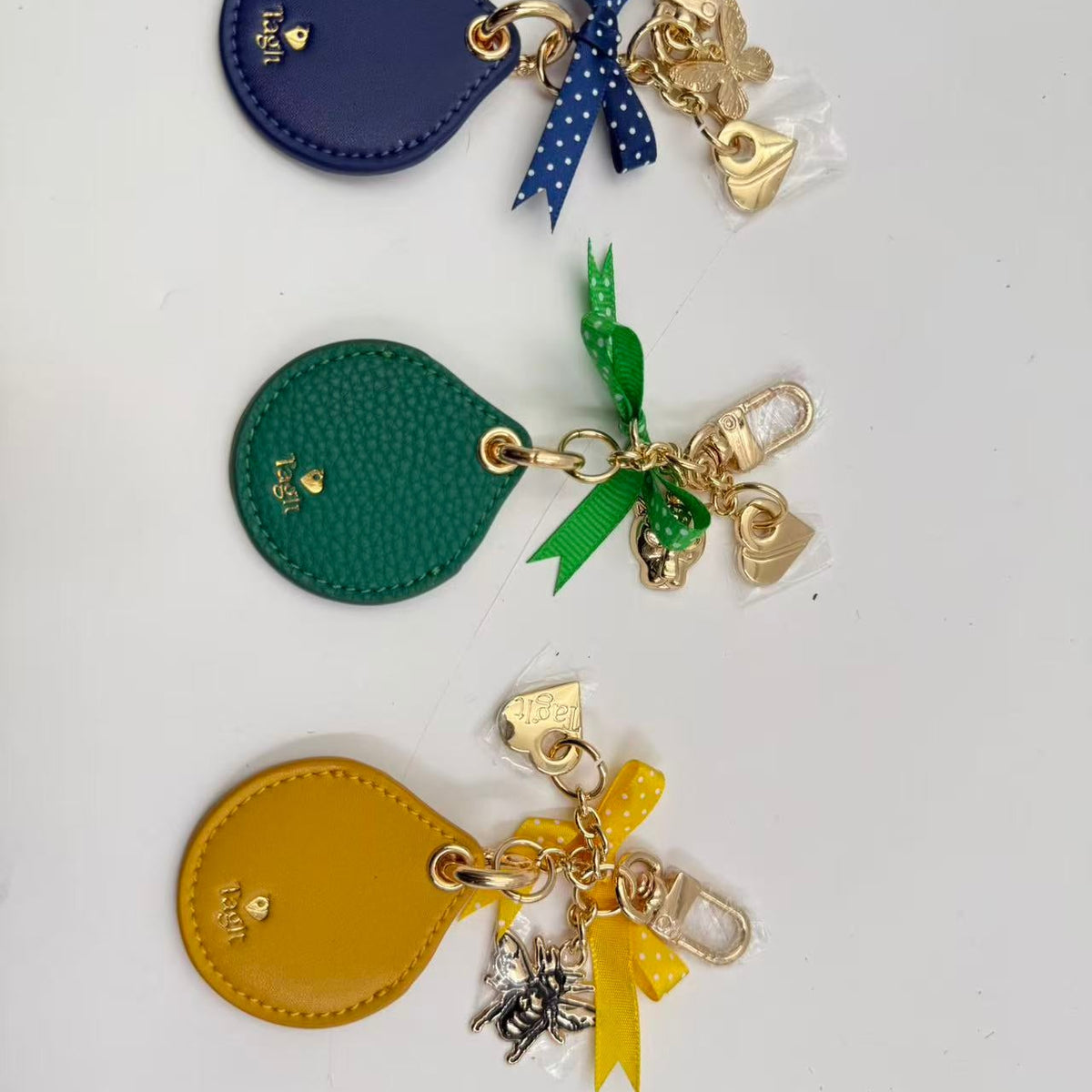
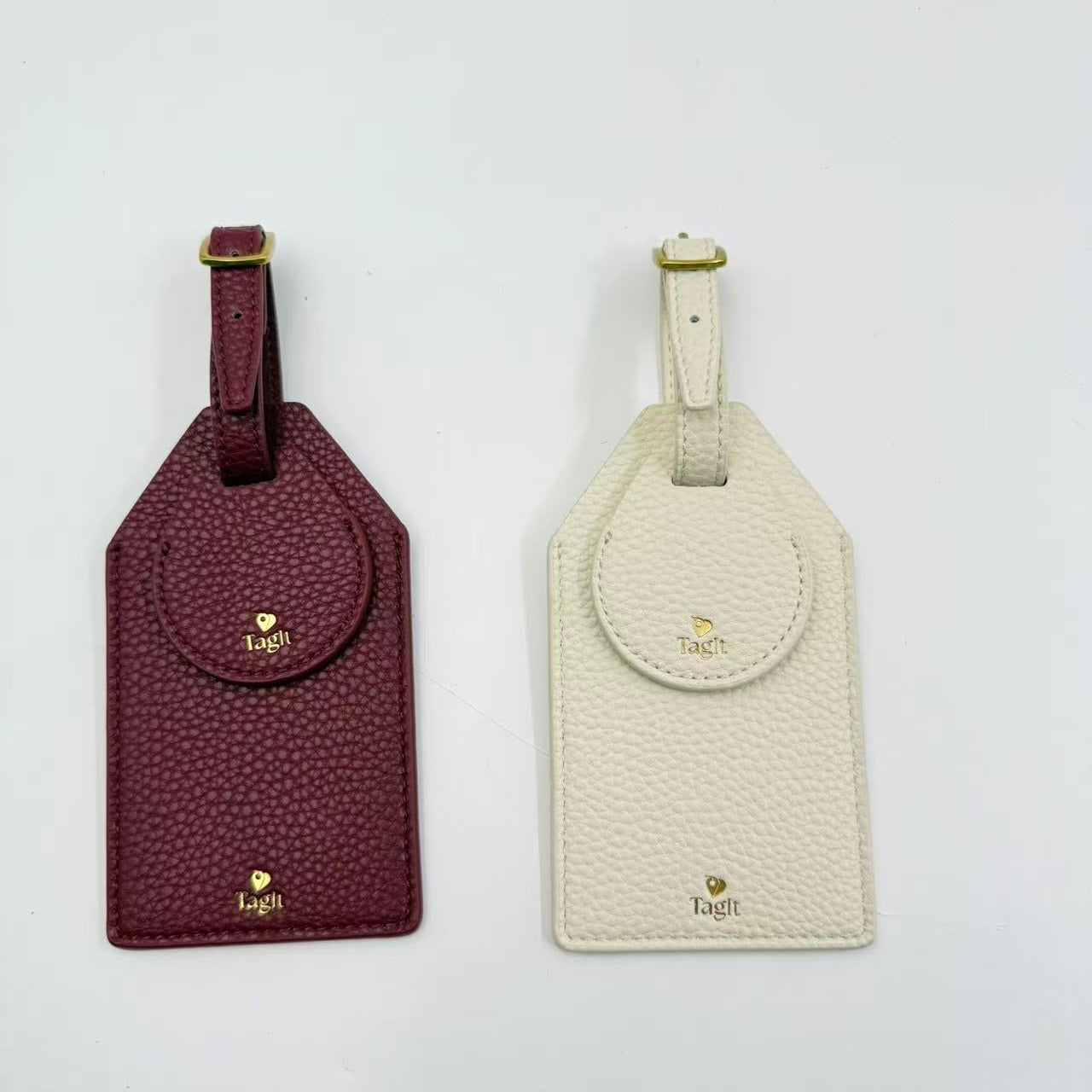
If you choose AirTag for travel or everyday carry, a luggage tag with a tracker holder or tracker-ready wallet can keep it integrated into something you already use.
What about a dog collar?
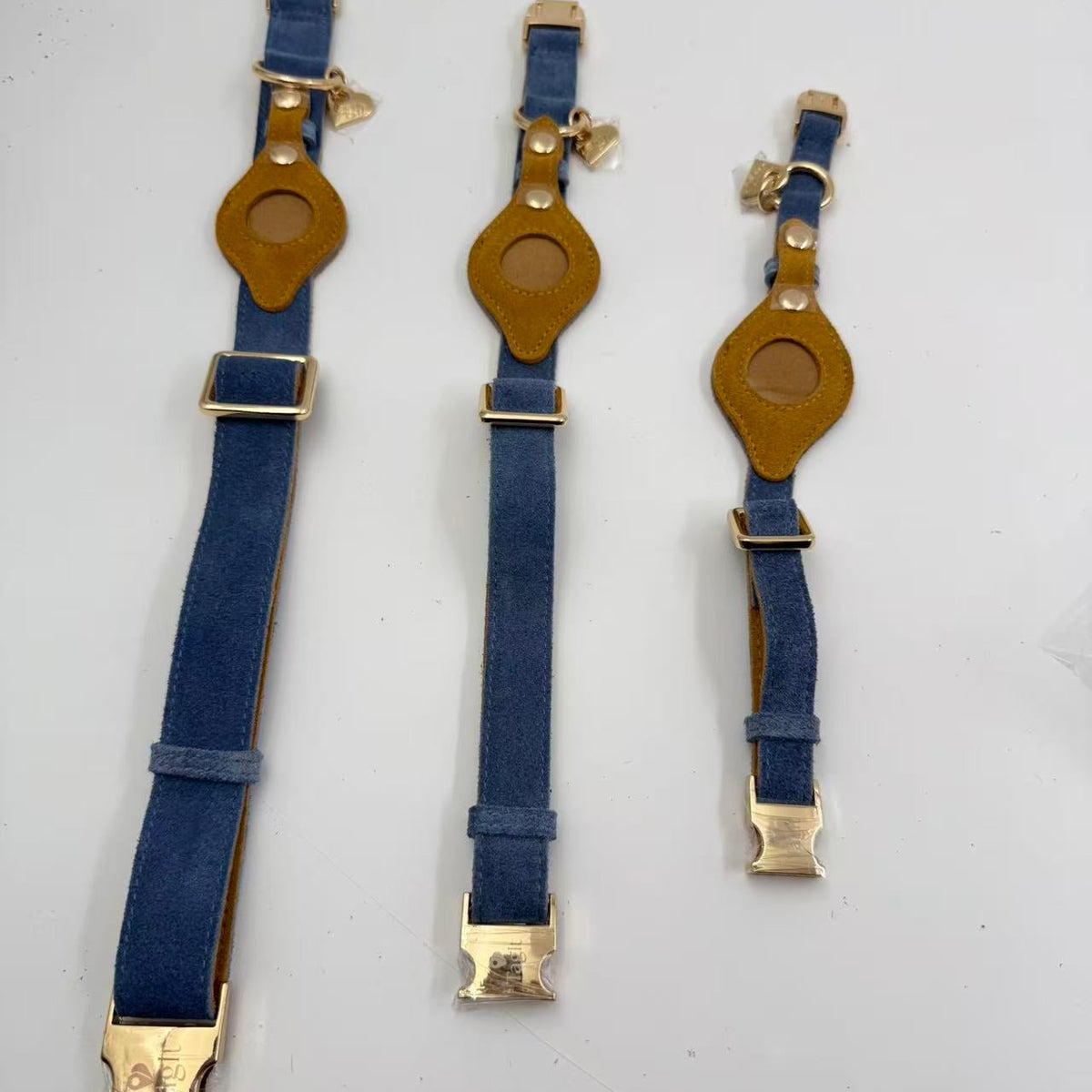
An AirTag can be used as an additional item-finder layer on a dog collar, but it is not a dedicated GPS pet tracker and should not replace a visible ID tag, registered microchip, secure enclosure, leash, or supervision. Read what dog owners should know about AirTag and pet safety.
Important boundaries
AirTag is designed for objects, not for tracking people. Never hide a tracker on someone or use one on property you do not own. For travel, a personal tracker can provide useful context, but it does not replace an airline’s official baggage claim process.
Sources: Apple AirTag and Apple Support.
